

Allodia Mail & Calendar
Email and calendar you actually own. Connect your own server or any provider over open standards. Your mail stays where you put it, and nothing routes through Allodia.
Download from:



Prefer to install outside the Microsoft Store? Install directlyIf you have the Store version, remove it first.
Rather add the repository yourself?
Run these two commands in a terminal:
flatpak remote-add --if-not-exists allodia https://dl.allodia.eu/flatpak/allodia.flatpakrepoflatpak install allodia eu.allodia.mailcalDid you know that Allodia Mail & Calendar is open source software? All source code is available publicly on GitHub: github.com/allodia-eu/mail-calendar
See what's new in each release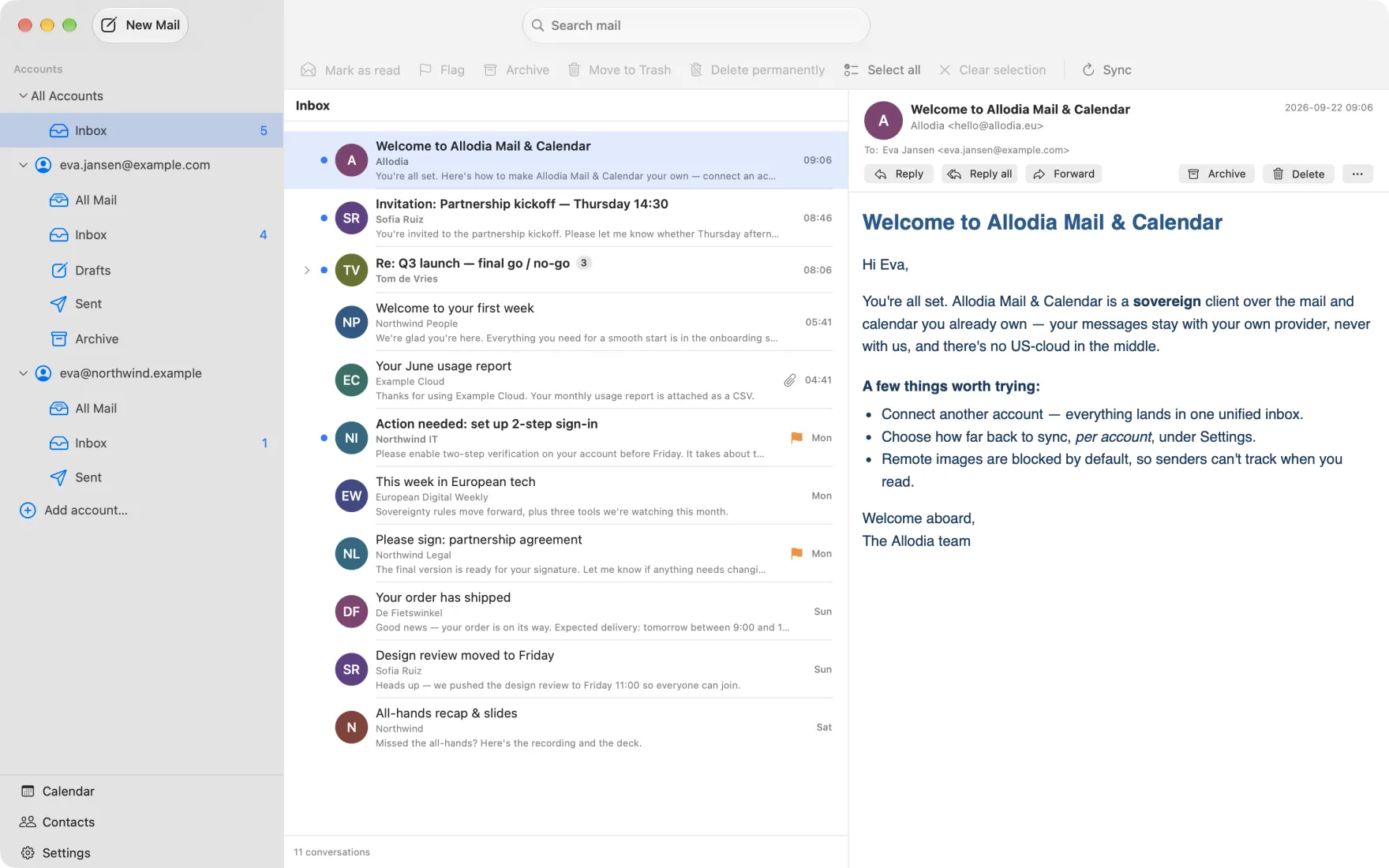
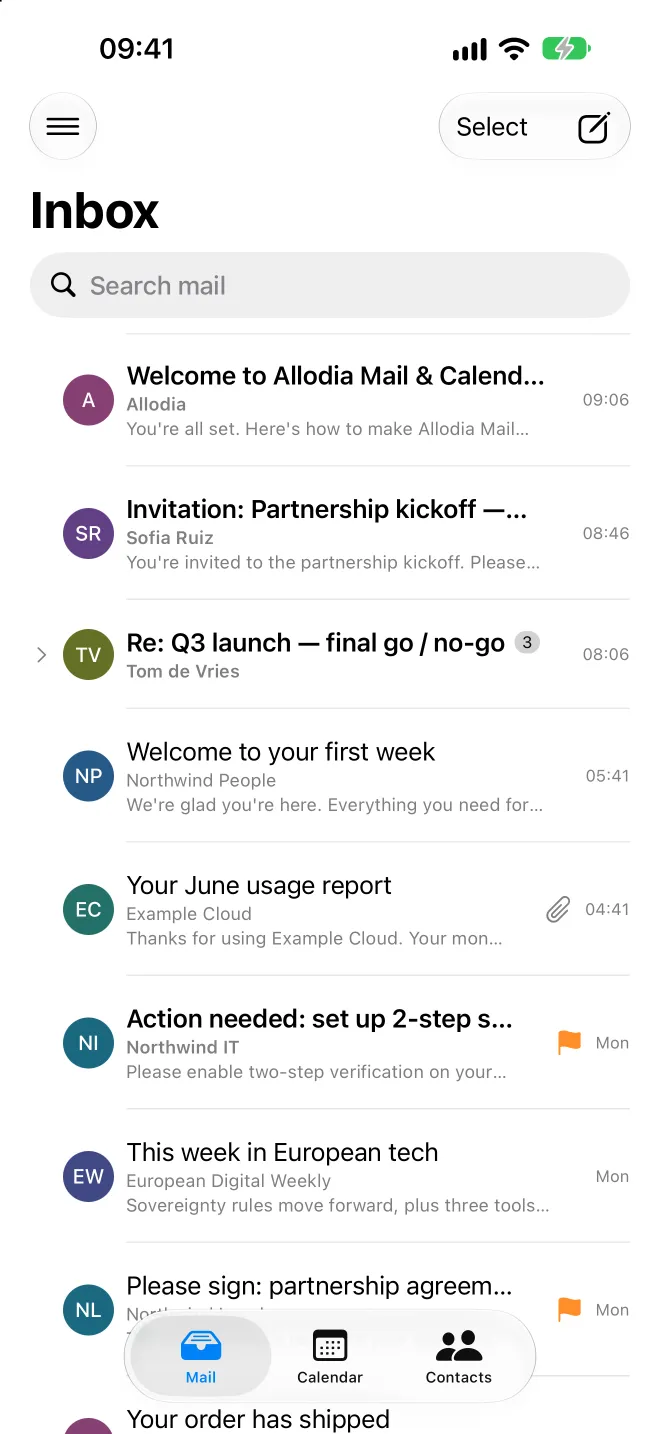
One app, six platforms
macOS, Windows, Linux, Android, iPhone and iPad share one Rust core, so a feature behaves the same everywhere. Linux ships as a Flatpak from our own repository, so it updates along with everything else you have installed.
Your own server, or any provider, anywhere
Allodia Mail & Calendar is a client. It doesn't ask you to move your mailbox onto someone else's servers. It connects to where your mail already lives.
Free to use, with more when you want it
The app is free and open source, and it stays that way. As a Supporter you fund our development and get services that run on our servers. Business brings your whole organisation along.
- Free and open source forever. Read our pledge
- Unlimited accounts
- Supports all providers
- Signature library
- Community support
- Everything in Free
- Support our development
- One subscription for all your devices: phone, computer and tablet
- Synchronise your settings between your devicesComing soon
- Push notifications for all providersComing soon
- Send later for all providersComing soon
- Personal email assistantComing soon
- Direct email support
- 5× weight on feature requests
- Everything in Supporter, for everyone in your organisation
- One invoice for the whole team, no licences to count
- Help with the rollout: connecting accounts, carrying settings over and staying close in week one
- Securely connect your business systems by integrating with Allodia AI
- Central deployment and configuration profiles
- Dedicated account manager and support
- 10× weight on feature requests
These are the prices when Allodia bills you directly. Through the App Store or Google Play you pay more, because those stores add their commission.
Compare the plans in detailDownload Allodia Mail & Calendar
Free on macOS, Windows, Linux, Android, iPhone and iPad.
Prefer to install outside the Microsoft Store? Install directlyIf you have the Store version, remove it first.
Rather add the repository yourself?
Run these two commands in a terminal:
flatpak remote-add --if-not-exists allodia https://dl.allodia.eu/flatpak/allodia.flatpakrepoflatpak install allodia eu.allodia.mailcalDid you know that Allodia Mail & Calendar is open source software? All source code is available publicly on GitHub: github.com/allodia-eu/mail-calendar
See what's new in each releaseThe things people ask first
If yours isn't here, write to us. A person answers.